



Drawing & Design Knowledge AI Solutions
Design Knowledge AI
 Hacadly AI
What is Hacadly Drawing & Design Knowledge AI?
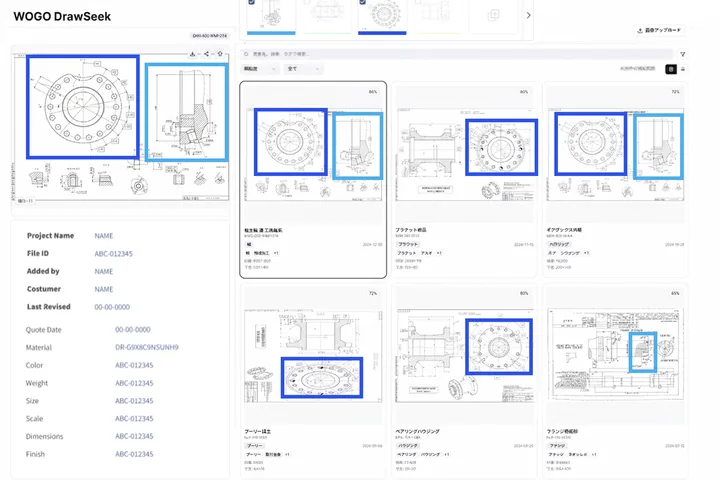
AI-based CAD feature search means finding past parts and drawings with a similar shape by using the shape elements of a 3D CAD model, such as holes, slots and fillets, as the starting point. One approach narrows results by the feature names and attributes in the CAD history tree; the other compares the shapes themselves. Hacadly takes the second approach, so a part still comes up as a candidate when its geometry is similar, even if each designer named the features or built the model in a different order.
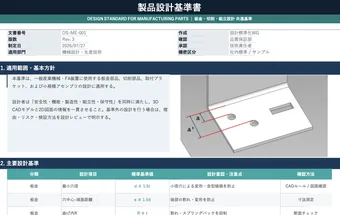
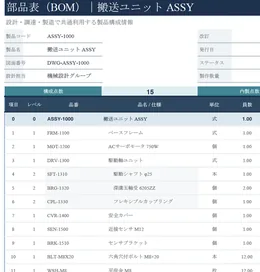
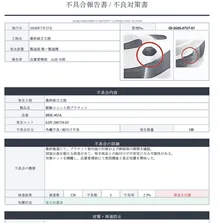
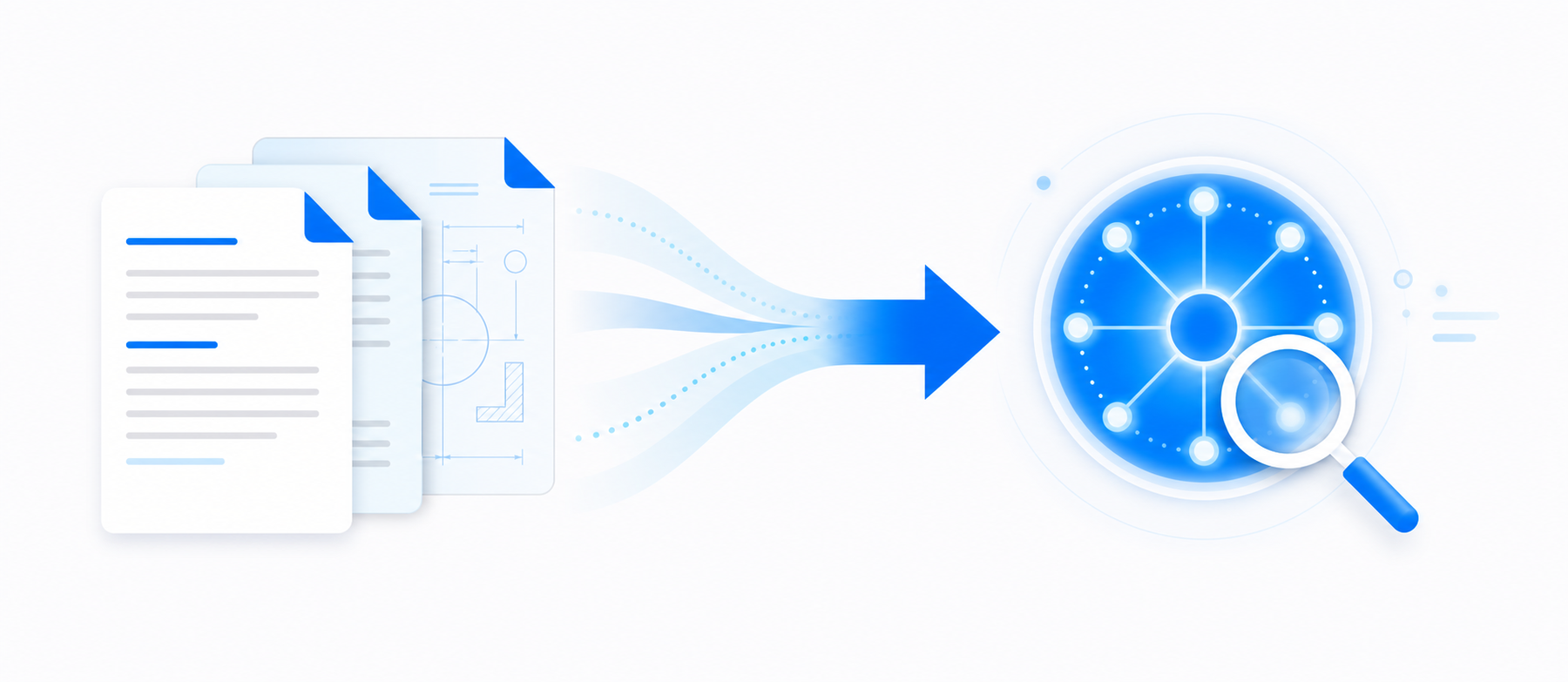
Give it a 3D model or a 2D drawing PDF and you can see which past designs are worth reusing, and whether the same shape has already been registered under a different part number. Design standards and past nonconformity records can be searched at the same time.
Facing These Challenges?
Past drawings cannot be found
Drawings are scattered across shared folders and PDM systems, and without knowing the part number or the file name there is no way to reach the one you want.
Designing from scratch when a similar design already exists
Search options are limited, so existing designs go unnoticed and the same design work gets done twice.
Generative AI looks useful, but leaking information is a worry
Confidential design information is hard to put into cloud-based AI, so AI adoption for technical information never gets off the ground.
Hacadly solves these challenges.
Service Details
AI Similar Drawing Search

Design AI Platform

Features
Works in a range of CAD environments
Ingests your own design knowledge

A secure on-premises environment
See the search accuracy on your own drawings and documents.
Use it to check search accuracy on your drawings and documents, and to validate before rollout.
Results

Drawing search time cut from 30 minutes to about 5
Drop in a drawing PDF and similar drawings come back instantly, dramatically streamlining the search work behind design reuse decisions and supplier selection.
An AI search platform built on a private cloud
A search platform was built on a private cloud that keeps data inside the company, making roughly 3,000 internal documents searchable in one place.
How It Works
Mapping the target data and the problem
We review where your drawings, 3D models and technical documents are stored, in what formats, at what volume, and how they are searched today.
Search validation with sample data
Using a subset of your drawings and documents, we check the accuracy of text search, similar-shape search and natural language search.
Designing security and system architecture
We settle on the architecture, whether on-premises, cloud or a closed network, to fit your security policy and existing systems.
Data integration and environment build-out
We build out data ingestion, access permissions, the search interface and CAD integration.
Rollout and expansion of target data
Watching how the platform is actually used, we expand the departments, drawings, documents and connected systems step by step.
Media Coverage












*Coverage of WOGO
We will show you how to put the drawing and design information sitting idle in your company to work
Whether you want to search past drawings by shape, run generative AI on-premises, search design standards and nonconformity records in one place, or surface the information you need while working in CAD, we start from your current data environment and security requirements and propose the right way to introduce it.
Frequently Asked Questions
A feature is the unit that builds up a shape in 3D CAD: an extrusion, a hole, a fillet, a chamfer. What people call feature search in practice splits into two approaches. One narrows results by the names and attributes of the features listed in the CAD history tree. The other converts the shape itself into numerical characteristics and looks for models that carry a similar form. Hacadly Drawing & Design Knowledge AI takes the latter approach, searching 3D CAD data and 2D drawings by their shape. You can reach a past design from its form alone, without knowing the part number or the file name.
There are three main entry points. First, 3D CAD data: a model at hand becomes the input and past parts with a similar shape come back. Second, 2D drawings: drop in a drawing PDF and similar drawings are pulled out. Third, a question in plain language or a keyword: design standards, technical documents and nonconformity records are searched together to find the relevant passage. You choose between searching by shape and searching by text depending on what you are looking for.
Keyword search and file name search assume the person searching already knows the words that point to the drawing. Shape-based search does not need that assumption: you start from a form you have in hand, even when the words do not come. In practice the two are combined, with shape narrowing the candidates and attributes such as part number, material or year putting them in order.
It is installed as an add-in to the CAD you already use, so your engineers keep working in their usual design environment. The target data covers both 2D drawings, drawing PDFs included, and 3D CAD data, and existing assets scattered across shared folders and PDM systems can be ingested as they are. The exact CAD systems and file formats are designed per project, after we check your current data environment, where the data is stored and how much of it there is.
Yes. A project starts by mapping the target data and the problem, and then runs a validation with a subset of your drawings and documents. At that stage we measure how accurate text search, similar-shape search and natural language search each are on your own data, and the security policy and system architecture are settled only after seeing those results.
On-premises and closed-network deployments are supported. In one case a search platform was built on a private cloud, making roughly 3,000 internal documents searchable in one place. Even where generative AI adoption has stalled because the data cannot leave the company, the architecture can be set to match your existing security policy.