



Automated Design Verification Solutions
Design Verification × AI

What is Hacadly 3D Design Verification?
From individual sheet metal and machined parts through to assembly interference and assemblability, it streamlines how design data gets checked.
Facing These Challenges?
Checking takes too long
Engineers inspect geometry, dimensions, machining conditions and in-house standards one by one by eye, which eats into the time left for actual design work.
Rework caused by missed checks
Manual checking can never catch everything, so problems surface only after drawing release or once production has started.
Judgment depends on veteran engineers
Much of the judgment is tacit knowledge that never made it into the standards, so check quality varies from one engineer to the next.
Hacadly solves these challenges.
Features
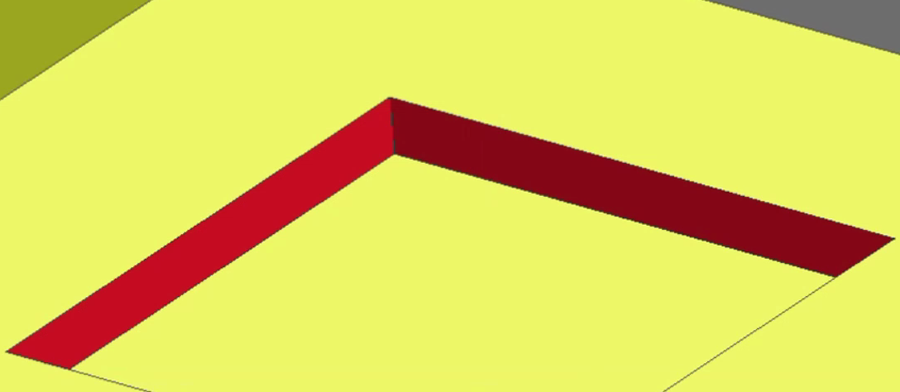
Design rule checks for individual parts
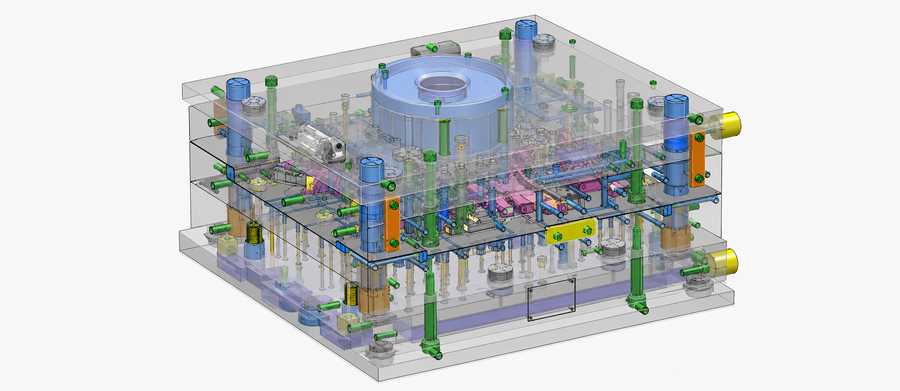
Function and assemblability checks for assemblies
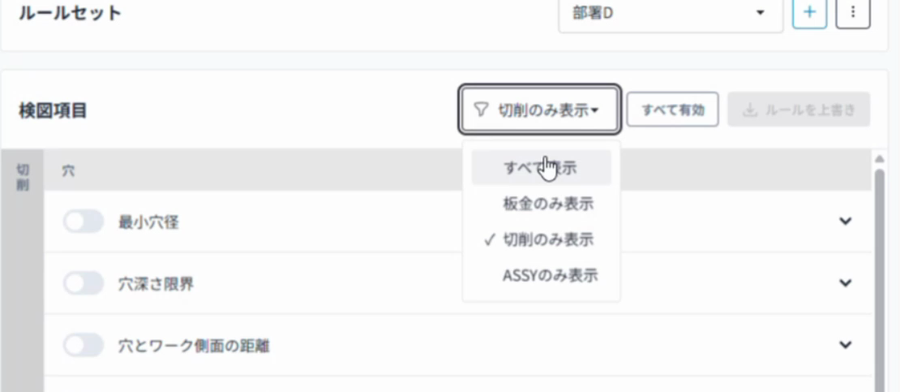
Set up and customize rules yourself
Ready to use as an add-in to your CAD
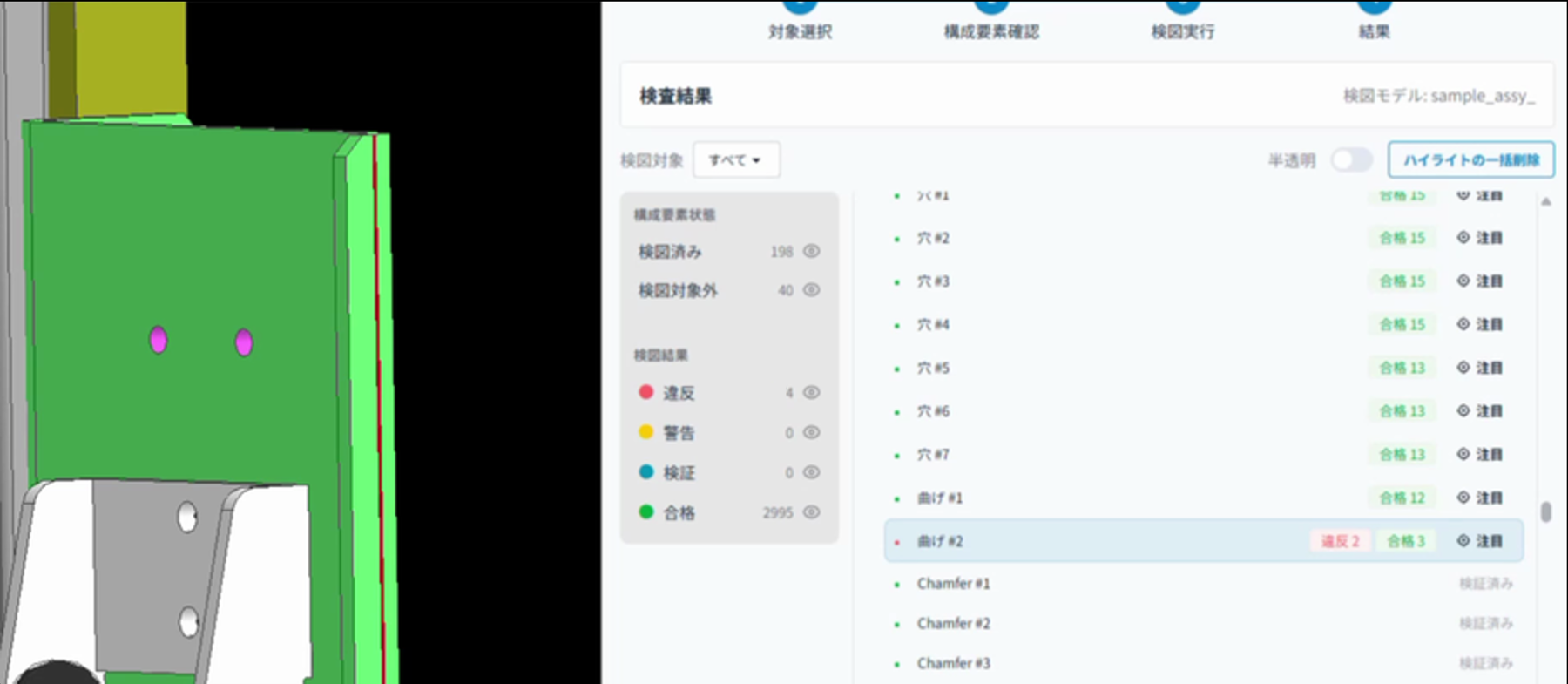
Real-time detection that highlights every issue

Runs in an on-premises environment
*For 2D drawing checks, please contact us.
See the automation run on your own CAD data.
Use it to review specific rules and to validate before rollout.
Results

Checking time cut by 30%, with ROI above 300%
Automating repetitive routine checks freed engineers to concentrate on the design decisions that matter.
Rework from design errors cut by 60%
Detecting inconsistencies at the design stage curbed rework, delivering cost savings of several million yen a year.
How It Works
Discovery interview
We review your target products, CAD environment, current checking process, design rules and the rework you are seeing today.
Scoping rules and target work
Weighing impact against feasibility, we select the parts, assemblies and check items to automate first.
Validation with sample data
Using your own CAD data and check rules, we validate detection accuracy and the effect on day-to-day work.
Rule implementation and setup
We tune the rules based on the validation results and build out the environment: CAD add-in, servers and access permissions.
Rollout and continuous improvement
You start using it in production work, and we keep adding target parts, assemblies and check rules as operation progresses.
Media Coverage












*Coverage of WOGO
We will show you where your design checks can be automated first
We start from your current checking process and design rules, then propose which work is best suited to automation and how to introduce it.
Feel free to get in touch even at an early stage, whether you want to confirm that your own design standards can be supported, validate the tool on real CAD data, or discuss checks for part interference and assemblability.
Frequently Asked Questions
| Criteria | Hacadly Engine (this system) | Typical generative-AI drawing check services |
|---|---|---|
| Supported formats | 3D CAD + 2D drawings | 2D drawings only |
| Judgement method | Geometric algorithms combined with AI deliver both accuracy and flexibility (AI plays a supporting role) | A generative AI (LLM) reads the drawing image and judges probabilistically |
| Accuracy | Can theoretically reach 100% against the rules you register | Depends on the AI's drawing-recognition ability and prompts; currently 40% or lower (verified by WOGO) |
| Reproducibility | The same data and the same rules always produce the same result | Results can vary from run to run |
| Explainability | Shows measured values against required values, so the reason for a failure is clear | Black-box judgements; reasons can be output as text but are often not grounded in fact |
| Risk of misses | Every registered rule is checked mechanically, without exception | Risk of plausible-sounding wrong answers (hallucinations) |
| Rule tuning | Numeric parameters can be adjusted in-house | Prompt tweaks only; accuracy is hard to tune |
| Complex geometry | Geometry processing on 3D CAD data enables analysis of complex shapes | Mostly 2D image-based approximate judgement, which struggles with complex shapes |
Automated design verification is software that automates the checking work engineers have traditionally done by hand. Using 3D geometry processing and AI algorithms, it checks designs strictly and exhaustively against rules defined in advance. Every result can be explained quantitatively, so nothing becomes a black box and the checks fit into your existing standard workflow.
Design verification, known as kenzu in Japanese manufacturing, is the work of checking whether the shapes, CAD data and drawings created by an engineer are correct. The term is used broadly for this kind of checking work across the industry. In practice it covers whether the design meets your performance requirements, whether it complies with your machining and design standards, and whether the drawing itself is drawn correctly, at both part and assembly level.
Design validation confirms performance and feasibility, while design verification confirms that the drawings and models themselves are correct. Design validation asks whether the product you are about to build will meet its target performance requirements and whether it can be machined and manufactured at all. Design verification asks whether the finished 3D CAD model and drawings are drawn correctly.
AI-based design verification is one type of automated design verification. Automated design verification covers any approach that automates checking with AI or geometric algorithms, while AI-based verification specifically means feeding drawings to generative AI or an LLM. Because automated design verification also uses strict algorithmic methods rather than AI alone, it can check geometry far more precisely.
A CAD interference check is a basic function built into every CAD system, whereas automated design verification checks strictly from many more viewpoints than interference alone. It verifies CAD models and drawings against machining limits, assemblability, tolerances and your own design standards, bringing manufacturing know-how into the check.
DFM aims to optimize a design so that it is easier to manufacture, while automated design verification aims to detect design errors and rule violations. DFM looks at the manufacturing process to improve cost, machinability and lead time, and questions whether the shape itself is right, for example by reducing the number of bends in a sheet metal part or the number of components. Automated design verification judges OK or NG against defined rules, automating human checking work to guarantee quality and prevent omissions.
A design review is an activity in which people or a team judge whether the design as a whole is sound, while automated design verification is a system that checks whether defined rules have been violated. A design review weighs design philosophy, specifications, structure, risk and cost through discussion, experience and risk assessment. Automated verification compares dimensions, tolerances, interference, machining conditions and missing annotations against rules set in advance. The two are not in conflict: handing the routine checks to automation lets the design review focus on the discussions that really matter.
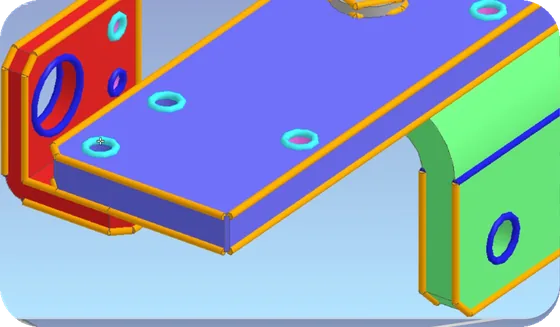
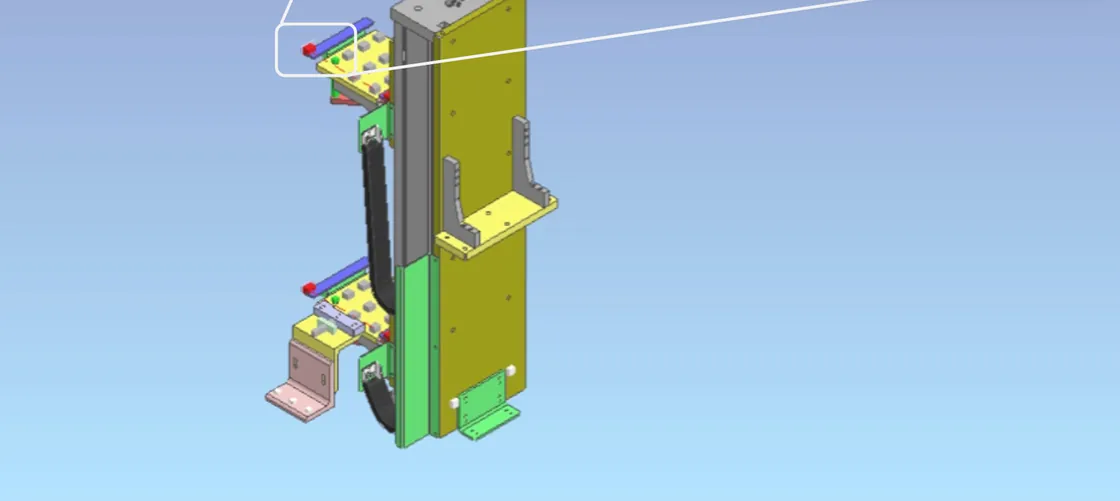
Hacadly 3D Design Verification is software that is embedded as an add-in to your CAD system, automatically checks the CAD models you design, and feeds the results back to you. It runs automatic checks on 3D CAD models, covering part-level verification, assembly-level verification and verification that also integrates 2D drawings.
For machined parts such as sheet metal and cut parts, it automatically checks machining limits and compliance with your own machining and design standards. Rules for assembly verification are being expanded to cover the correctness of weld callouts, cumulative tolerances and whether bolts can be assembled. Any rule that can be expressed as an equation or an inequality, whether on a detected feature of a part or on the relationship between parts in an assembly, can be detected.
Yes, both sheet metal parts and machined parts are supported. Support for plastic parts is currently being extended and is added on a case-by-case basis.
Yes, interference and assemblability in assemblies can be verified. Rules are being extended step by step, from weld checks and cumulative tolerance checks through to more advanced assemblability checks. The aim is to cover a far wider range of checks than a standard CAD interference function can handle.
Yes, 2D drawing verification is supported. It checks annotation consistency, the title block, and tolerances and dimensions. Verification that combines 3D CAD with 2D drawings is also possible, letting you confirm consistency between the 3D model and the drawing and run stricter geometry-based checks.
iCAD and SolidWorks are supported as standard. The core geometry processing runs inside our own software, so once a data link with a given CAD system is in place we can support a wide range of systems including CATIA, NX, Creo, Solid Edge, Autodesk Inventor and Fusion 360. The scope of integration can be extended to match your needs, so please contact us.
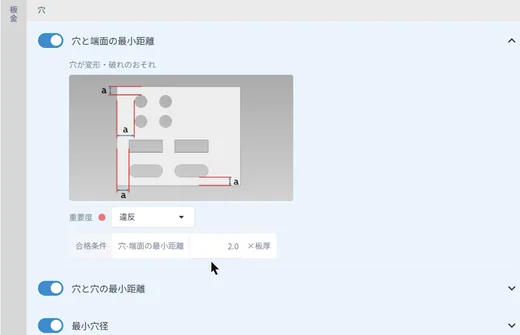
Yes, you can register your own design standards. Any standard that can be expressed as a formula or an inequality can be built in. The threshold values of the standard verification rules can also be adjusted easily to match your own equipment.
More than 50 standard rules are available, centred on sheet metal and machining rules and including assembly rules. Standard rules can be used as they are without customization, whereas company-specific rules are added for each customer. WOGO customizes and installs company-specific rules during the initial setup at introduction.
Yes, they can be switched without difficulty. Multiple verification rule sets can be created and managed, so rules can be switched per department, per product, per machine tool and per supplier.
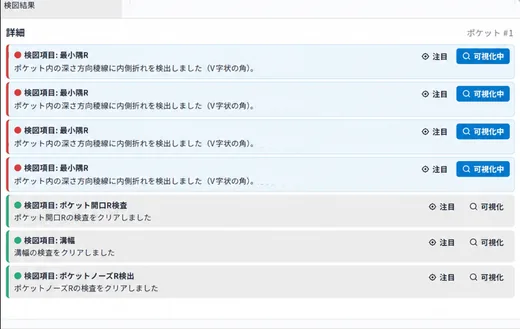
Results are highlighted directly on your existing CAD screen. You can see which issue was triggered and which design standard was violated, and correct it on the spot. The reason for each judgment is also shown, including the threshold value and how far the design deviates from it. A list view gives you the overall picture, and results can be exported as an HTML report so they fit into your standards management and verification workflow.
Results come back in roughly one second per part. Loading the data beforehand is also required and takes a comparable amount of time, around one second. In practice the software has run without problems on an assembly of 10,000 parts, so even large data sets can be verified quickly.
With Hacadly 3D Design Verification, no missed issues or false detections occur for the rules you have configured. Detection is based strictly on geometry processing and algorithms, so it does not make the kinds of mistakes typical of general generative AI.
Not every verification task can be automated today. What can be automated now includes machining limit checks for parts, whether an assembly can be manufactured and assembled, connection consistency between multiple parts, some geometric tolerance checks and some 2D drawing checks. We provide general settings based on common machining and manufacturing rules, while verification that depends on design intent still needs to be carried out by your own engineers. Classifying results into three levels, such as clear failures and items requiring human review, gives a more accurate and fine-grained process, and we also welcome enquiries about automating the design-intent portion through customization.
Yes, on-premises use is the standard assumption. It runs comfortably on the individual PC, in much the same way as an ordinary local CAD application. Because licensing is network-based, communication is required only for license authentication; your company data, CAD data and design standards never leave your organization.
There are three main benefits: standardizing in-house design criteria, shortening verification time and preventing rework. Standardization is the largest of the three, and the effect is greatest in departments with dozens of design engineers. Verification time can be reduced by roughly 10 to 20 percent for part checks, assembly checks and 2D drawing checks alike. In one case, design rework was reduced by 30 to 40 percent over a year after introduction.
Yes, it helps with both knowledge transfer and the training of junior engineers. Because each company defines its own rule sets, the design know-how of experienced engineers can be captured in the system so that junior engineers reproduce the same viewpoints in their own designs. Junior engineers have traditionally learned from books and visits to the shop floor; in one case, introducing automated verification cut the time needed to bring them up to speed to less than half.
Yes, small and medium-sized manufacturers can introduce it. Hacadly is used by a wide range of companies, from small and mid-sized manufacturers of around 100 employees to listed global manufacturers such as automotive, electronics and industrial equipment makers. Before introduction, we can sign an NDA and evaluate performance on your own existing CAD data free of charge.