



Automated 2D Drafting (AI Drawing Generation) Solutions
Drafting Automation
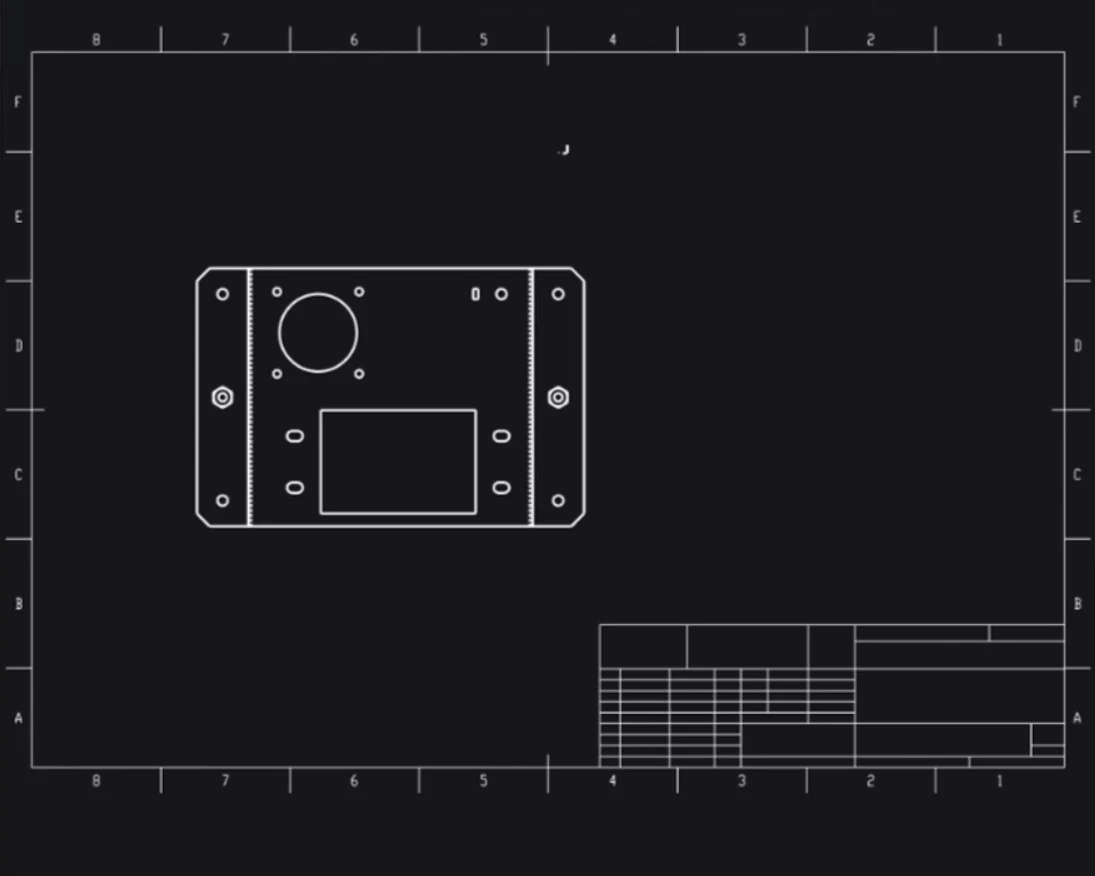
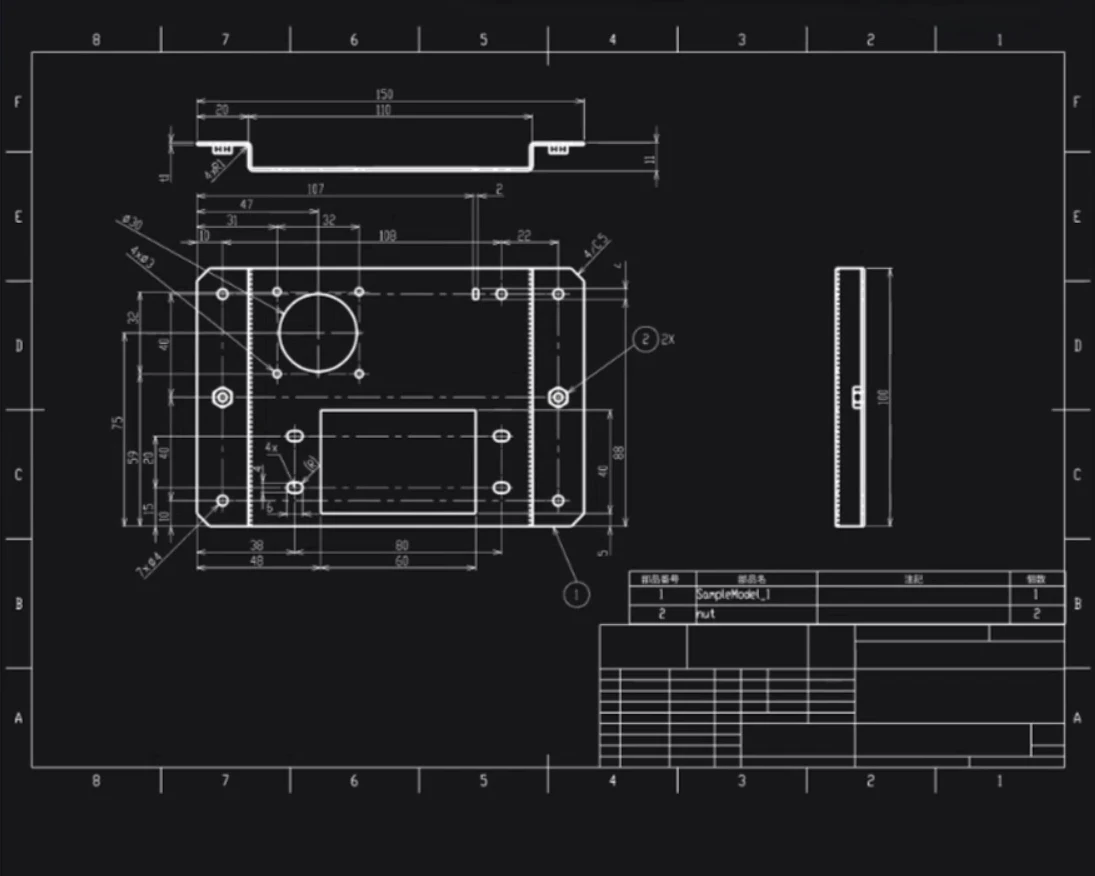
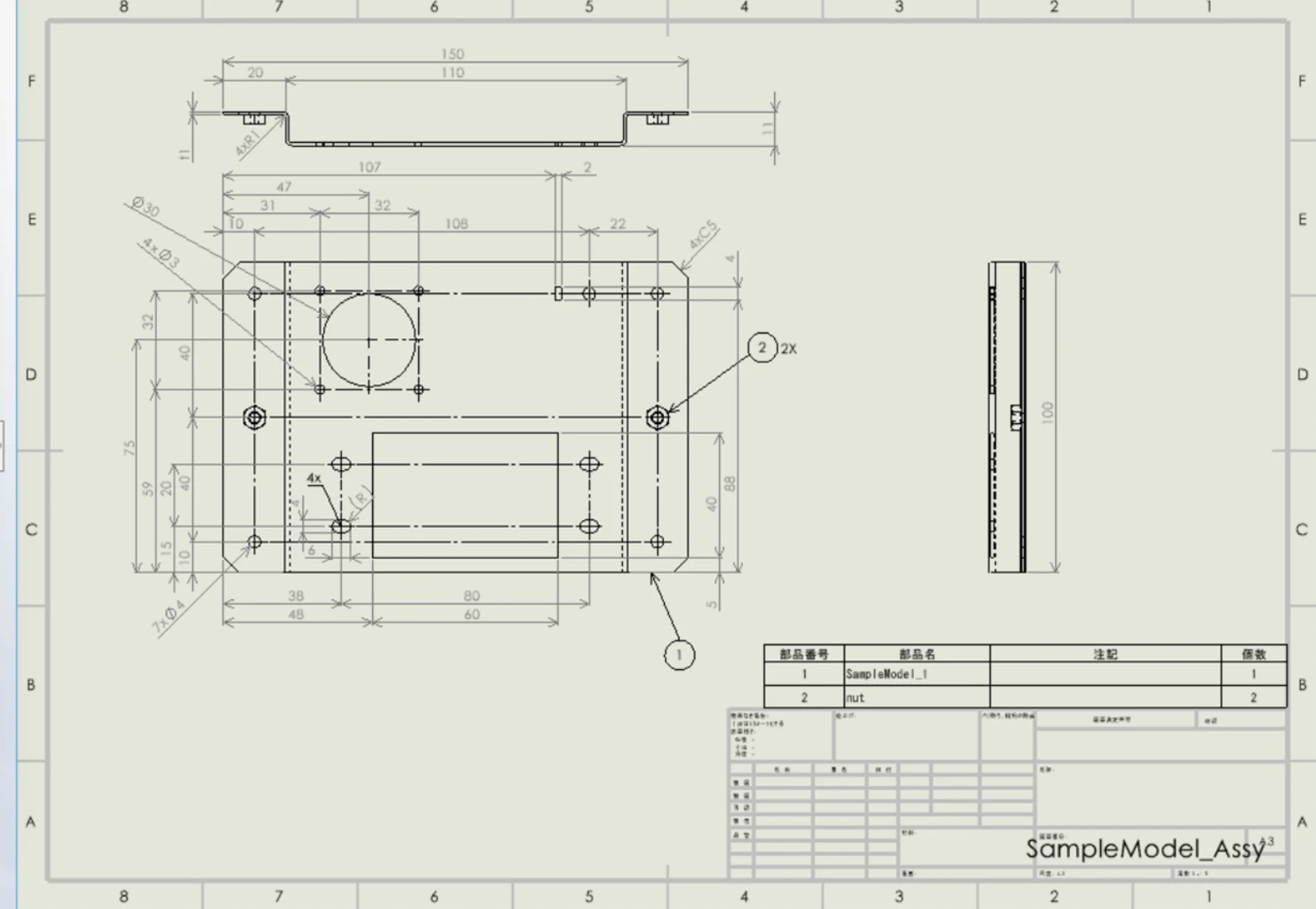
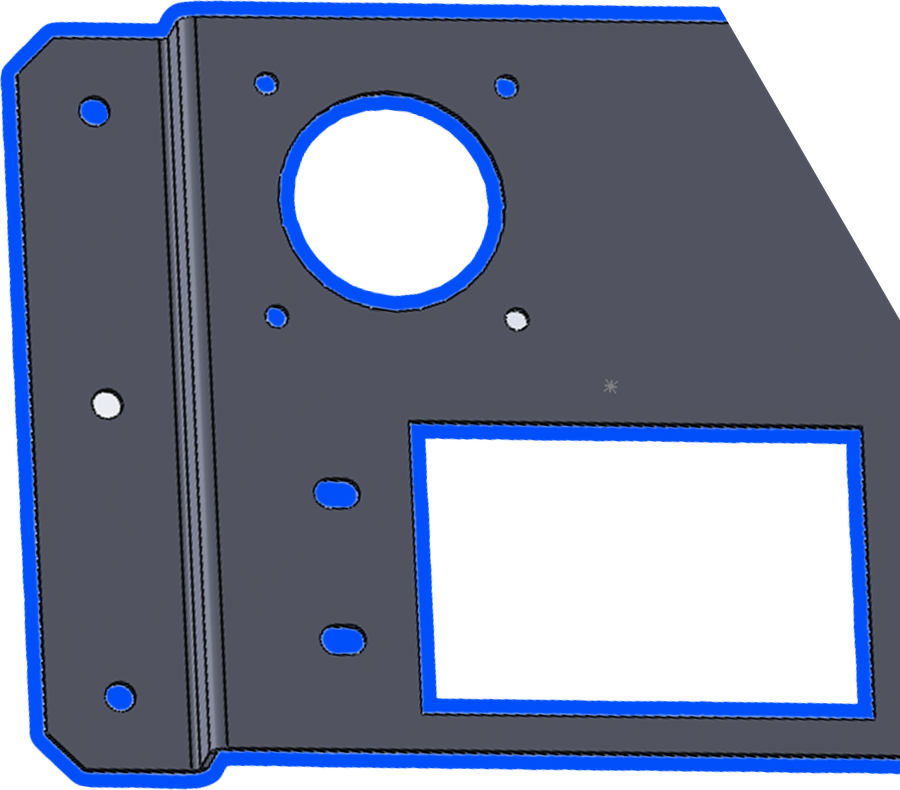

What is Hacadly Automated 2D Drafting?
Facing These Challenges?
Releasing 2D drawings after the 3D model is finished takes too long
Creating views, placing dimensions and tolerances, entering annotations, filling in the title block: a large amount of drafting work is still waiting once the design itself is done.
Rework on every design change
Every time the 3D model changes, dimensions and annotations on the 2D drawings are fixed by hand, so responding to changes takes time.
Manual transcription errors drive rework and checking load
Because dimensions and annotations are transcribed by hand, omissions and duplicates are hard to avoid - driving up the checking workload and rework after release.
Hacadly solves these challenges.
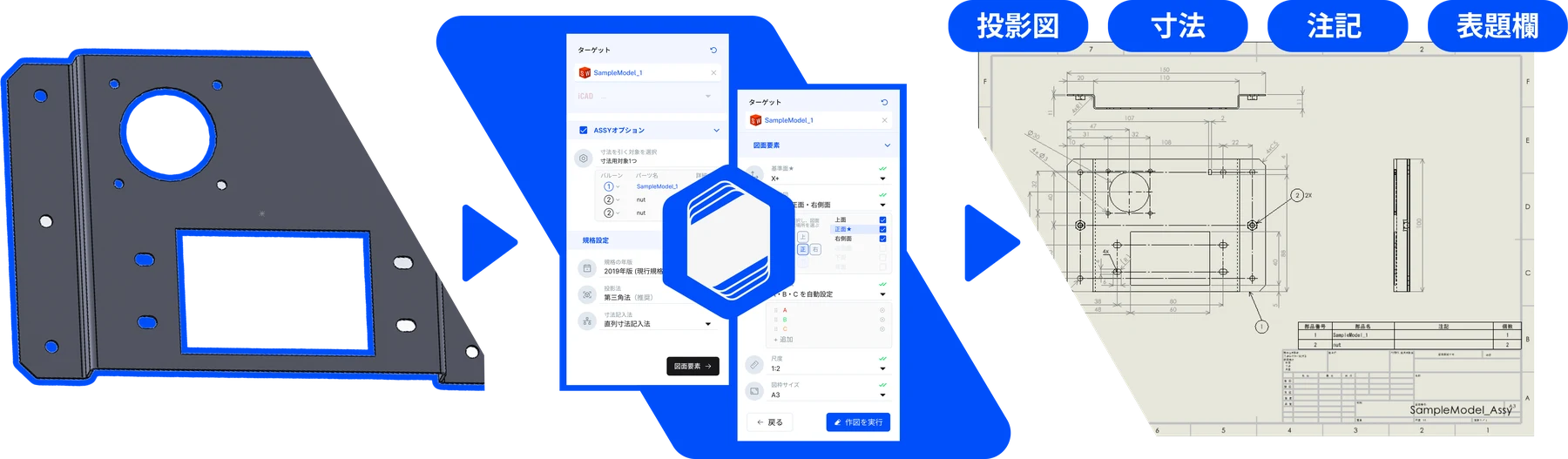
Service Details
Automated 2D Drafting (Drawing Generation)
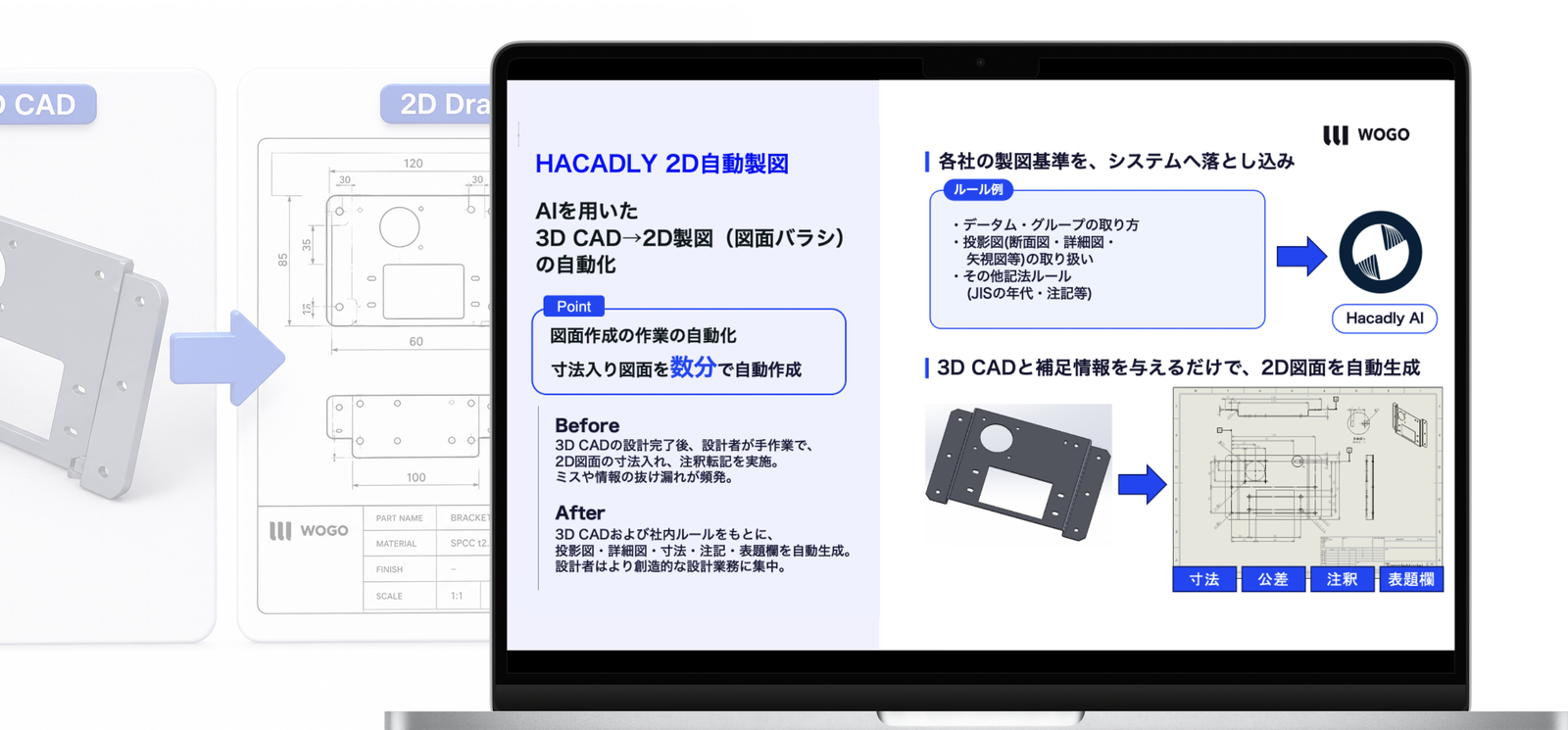
Generates the 2D part drawings needed for machining and manufacturing directly from a 3D model. View placement, dimensions, tolerances, annotations and the title block are all handled automatically, taking the manual work out of drawing release.
Features
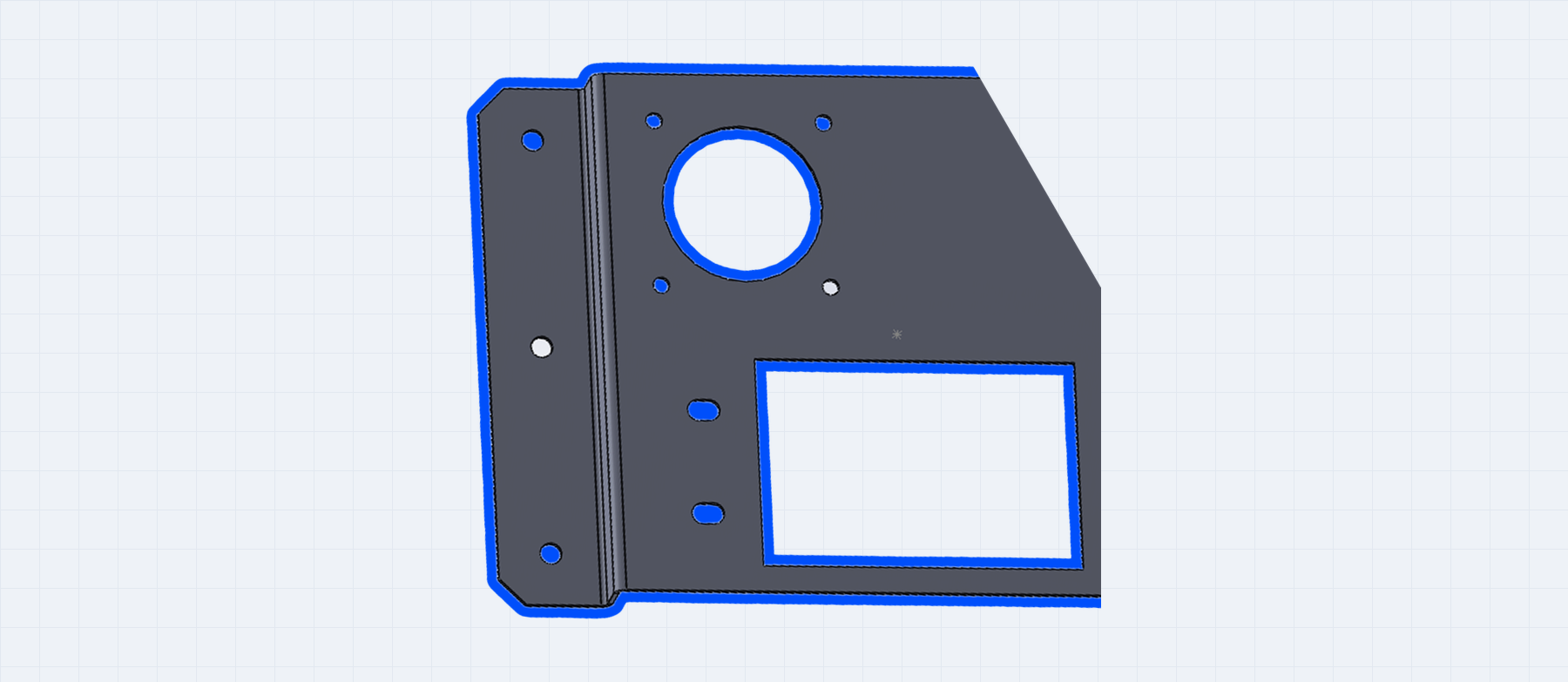
Import your 3D models
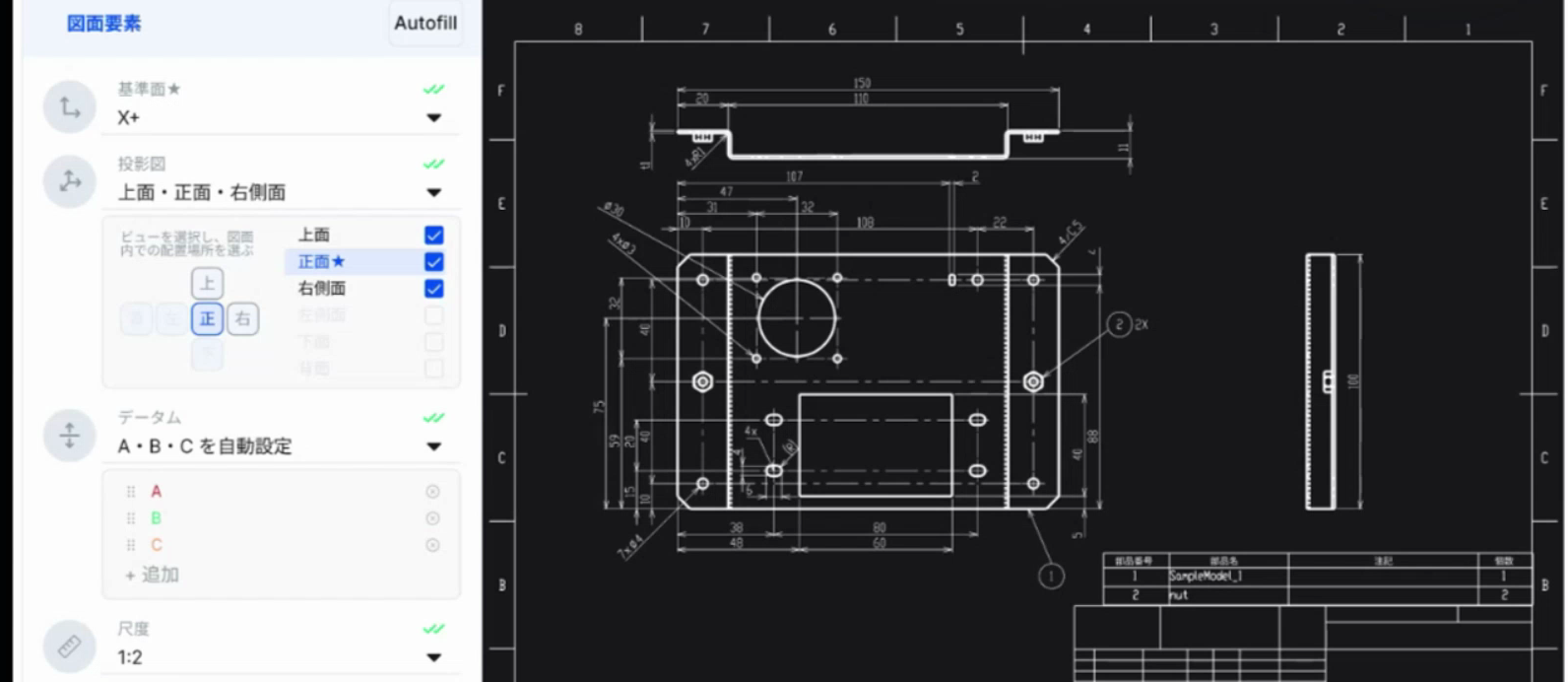
Give it your design intent
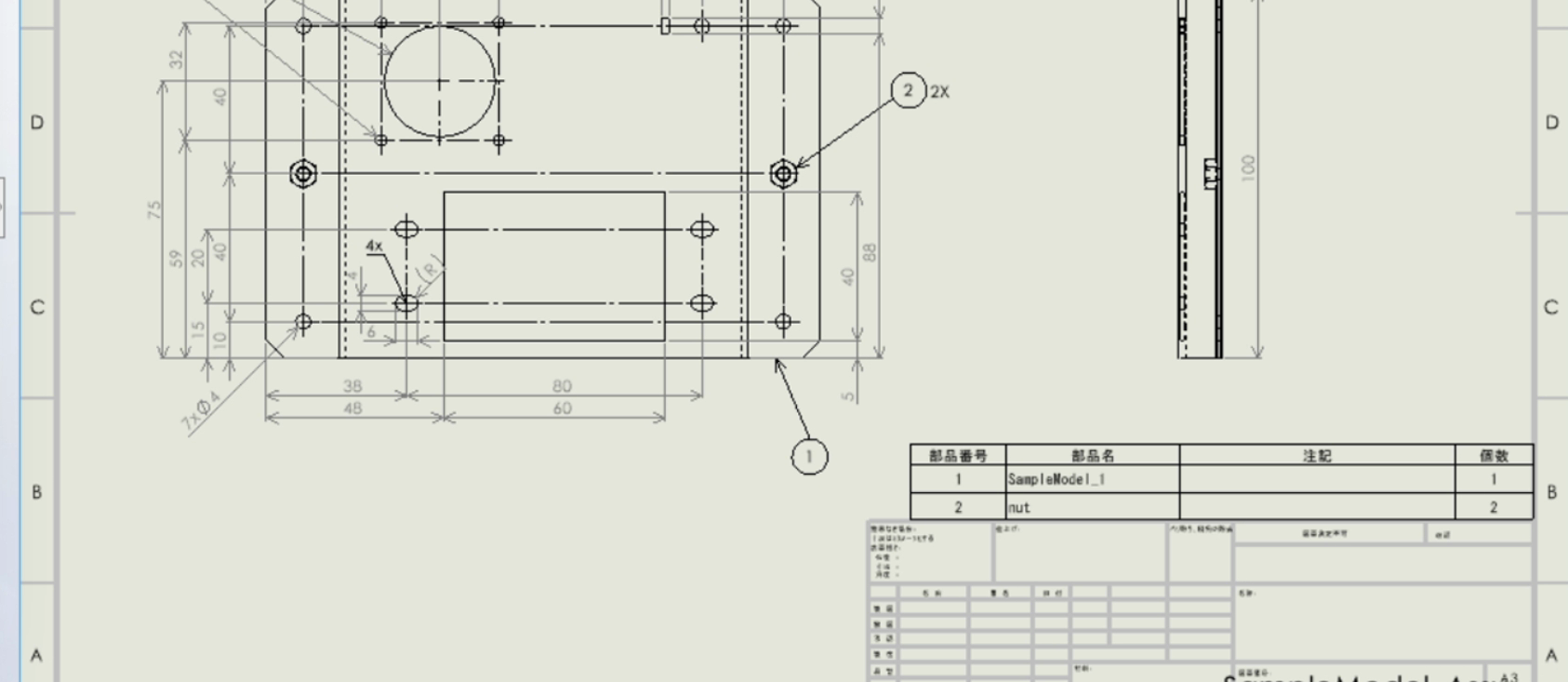
Output as native CAD drawings
Works in a range of CAD environments
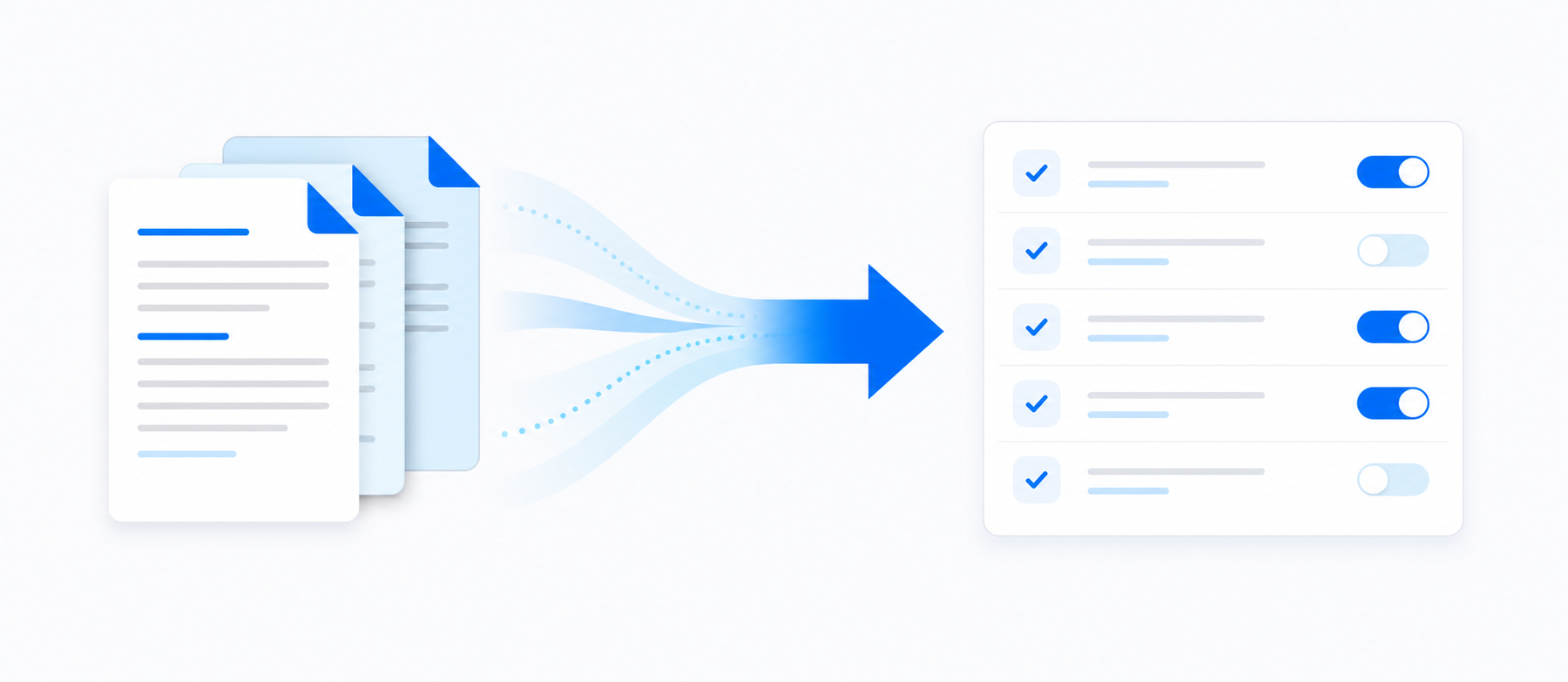
Your own drafting rules, built in

A secure on-premises environment
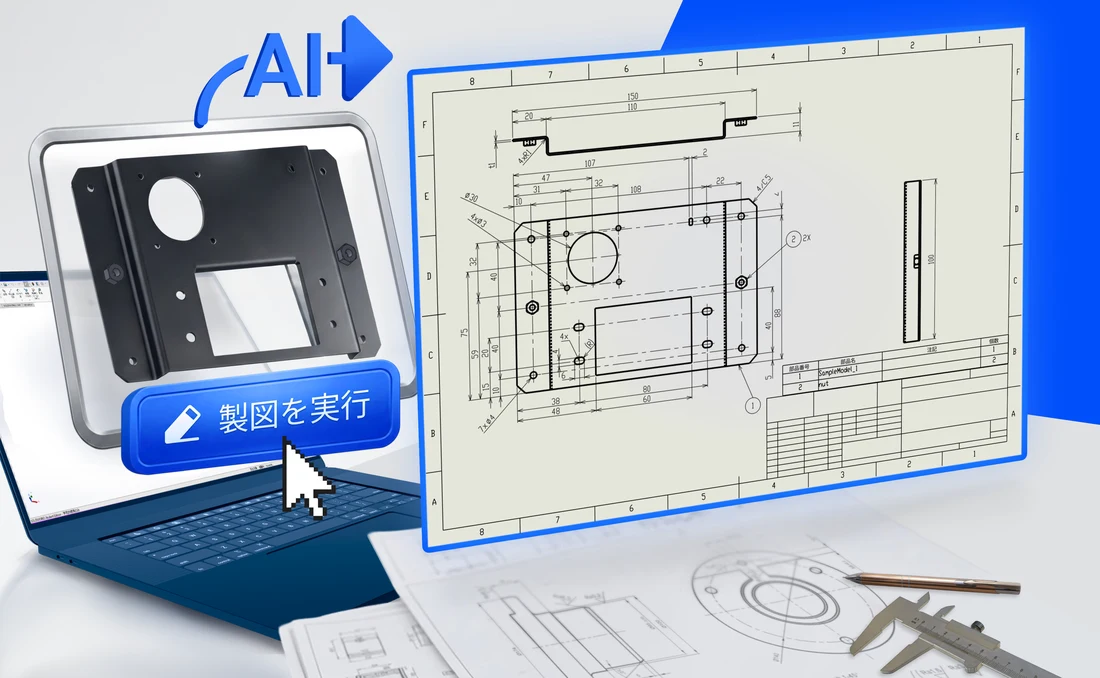
Experience automated drafting with your own 3D models and drawings.
Use it to check the quality and coverage of generated drawings, and to validate before adoption.
Results

Weekly drawing-generation workload halved
Automating part and assembly drawing generation from 3D models is modelled to compress a release operation spanning outsourced drafting and in-house checking, and to remove visual checks for missing dimensions.
Drafting time per drawing cut from hours to tens of minutes
Replacing the manual work of view placement, sections, detail views and dimensioning with automatic generation frees engineers to focus on concept design.
How It Works
Understand your current process
We review your target products, CAD environment, drawing-release process, drafting standards and where rework currently occurs.
Select the rules and scope
Based on expected effect and feasibility, we select which parts, drawing types and drafting rules to automate first.
Verify with your sample data
Using your actual 3D models and drafting standards, we verify the quality of generated drawings and the effect on your workload.
Implement rules and build the environment
We tune the drafting rules from the verification results and set up the CAD add-in, servers and access permissions.
Full rollout and continuous improvement
You start using it in production work, and we extend the target parts, drawing types and drafting rules as the results come in.
Media Coverage












*Coverage of WOGO
We tailor automated drafting to your drawing standards
Whether you want to automate drawing creation from 3D models or speed up re-release after design changes, we look at your actual 3D models and finished drawings, then propose how far automation can go and how to introduce it.
Frequently Asked Questions
Automated drafting is a general term for handing the drawing-creation work that people used to do by hand over to software. There are broadly two approaches. In one, you enter dimensions and specifications into a predefined format and repeatedly output similar drawings. In the other, a 3D model is the input and the projected views, dimensions, annotations and title block are generated automatically. WOGO's Hacadly automated 2D drafting takes the latter approach, generating from a 3D model the 2D drawings needed for machining and manufacturing.
Automated drafting driven by macros or Excel integration suits products whose shape and configuration are fixed and released repeatedly. The drawback is that the mechanism itself has to be rebuilt whenever the target shape or configuration changes. Hacadly automated drafting reads the shape you designed and generates the drawing from it, so the same mechanism keeps working across high-mix design work.
It is installed as an add-in to the CAD you already use, so your engineers keep working in their familiar environment. You can load the model you are designing directly from the add-in, or upload a file instead. Whether a given environment is supported depends on your setup, so please check with us individually.
Drawings can be exported in industry-standard formats such as DWG and DXF, and on some CADs edited directly as native drawings. They drop straight into your existing release flow for procurement and inspection.
On top of the standard rule set, your own drafting standards and know-how can be turned into rules and built in. You specify the base plane, projected views, datums, scale and sheet size on screen, so drawings come out with your design intent - where dimensions originate and how the drawing should read - already applied.
Not everything becomes automatic. Design intent - how the base plane and projected views are chosen, datums, tolerances - is something people still provide. It is also more realistic to widen the scope in stages, choosing which parts, drawing types and drafting rules to cover first, rather than targeting every drawing from the outset.
It supports on-premises operation. Your design data stays inside your own environment and never leaves the company.